

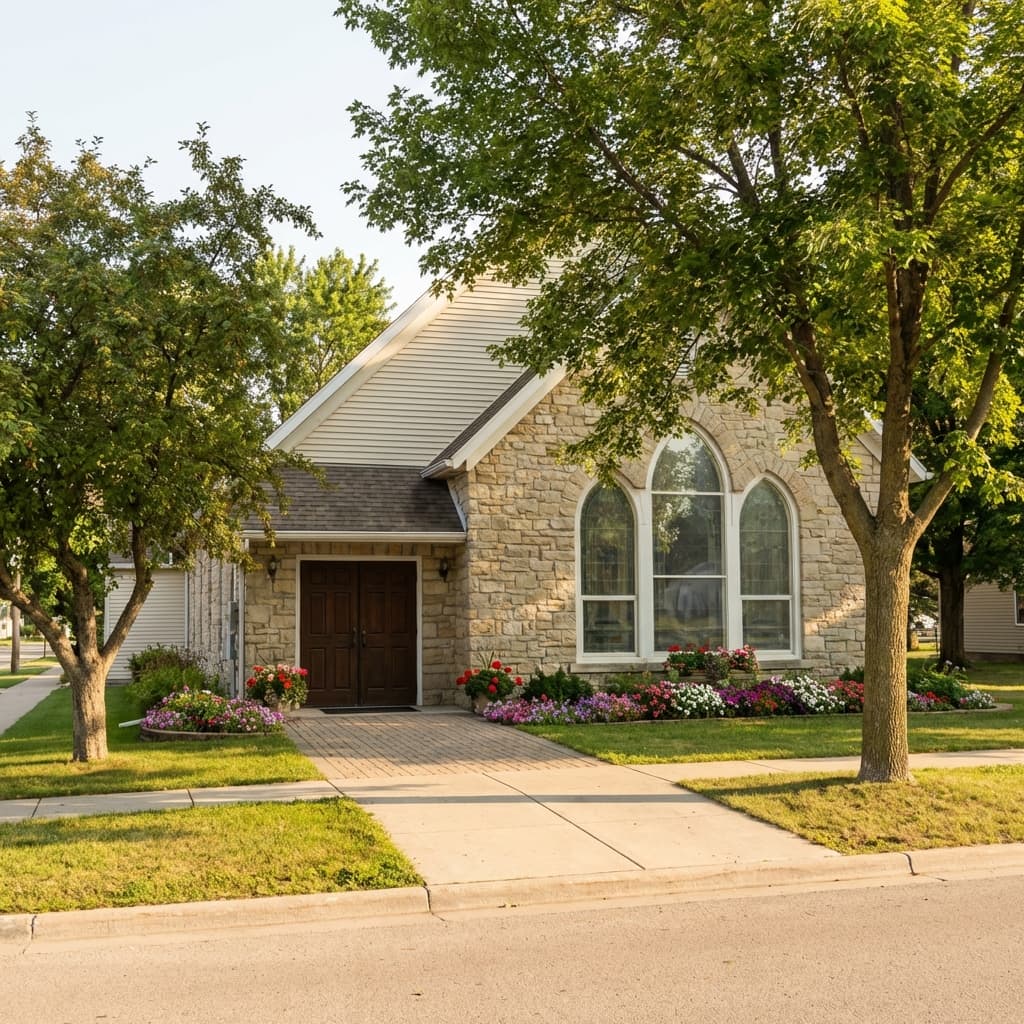
Why Google Business Profile matters for churches today
When someone moves to a new area or decides it is time to try a church, their first stop is usually Google. They type "church near me" or search for a specific denomination. The result they see first is not a website. It is a Google Business Profile panel with photos, service times, reviews, and directions.
Your church's Google Business Profile is the front door for local discovery. If it is incomplete or outdated, you lose first‑time visitors before they ever reach your website. If it is accurate and active, you earn trust quickly and make it easy for people to take the next step.
This guide walks through a practical, step‑by‑step approach to improving a Google Business Profile for churches, with the goal of helping real people find you and feel confident enough to visit.
Claim and verify your profile first
Before anything else, claim the profile and complete verification. Without verification, you cannot publish updates, respond to reviews, or see key insights. Verification can be done by postcard, phone, or email depending on what Google offers for your listing.
Once you are verified, check for duplicates. Many churches have multiple listings created by members or visitors. If you see duplicates, request removal or merge them so your reviews and visibility are not split across multiple profiles.
Get the fundamentals right: name, address, phone, hours
The most important ranking factors for local search are also the simplest. Make sure your church name, address, phone number, and hours are accurate and match what is on your website and signage.
- Name: Use your official church name, not taglines or extra keywords.
- Address: Confirm the street address and map pin are correct. A pin that is off by a block can confuse visitors.
- Phone: Use a number that is actually answered. If possible, use a number dedicated to visitor questions.
- Hours: Include office hours and service times. If the office is closed most weekdays, set realistic hours so people are not misled.
Consistency matters for local trust. If your website and Google listing do not match, Google is less likely to prioritize your profile in results.
Choose the right categories and attributes
Categories tell Google what you are. The primary category should be Church. Then add secondary categories if they are accurate and helpful, such as Baptist Church, Non‑denominational Church, or Christian Church.
Attributes give more context. If you offer childcare, have wheelchair access, or provide translation, include those. These details help families decide if the church is a good fit before they visit.
Write a clear, welcoming description
Your business description is one of the few places you can explain who you are in your own words. Keep it simple, warm, and specific. Mention the community you serve, the style of worship, and what a first‑time guest can expect. Avoid jargon or internal church language that visitors may not understand.
This description does not need to be long, but it should answer a new visitor's top questions. A sentence about service times, kids ministry, and parking can remove friction. If you offer multiple campuses or services, clarify which locations the listing represents.
Keep holiday and special hours accurate
People often search for a church around holidays. That is when your hours matter most. Update your profile before major events such as Easter, Christmas Eve, or special conferences. If your office is closed but services still happen, say so clearly. Accurate hours reduce confusion and missed visits.
Add services, events, and a clear "Plan a Visit" link
Google Business Profile lets you list services and add a website link. Use those features to make next steps obvious:
- Link directly to a "Plan a Visit" or "New Here" page, not just the homepage.
- List key services such as Sunday Worship, Kids Ministry, Youth Ministry, and Small Groups.
- If you have a recurring event like a midweek service, add it as a regular event.
Your website should reinforce these next steps with a clear visitor path.
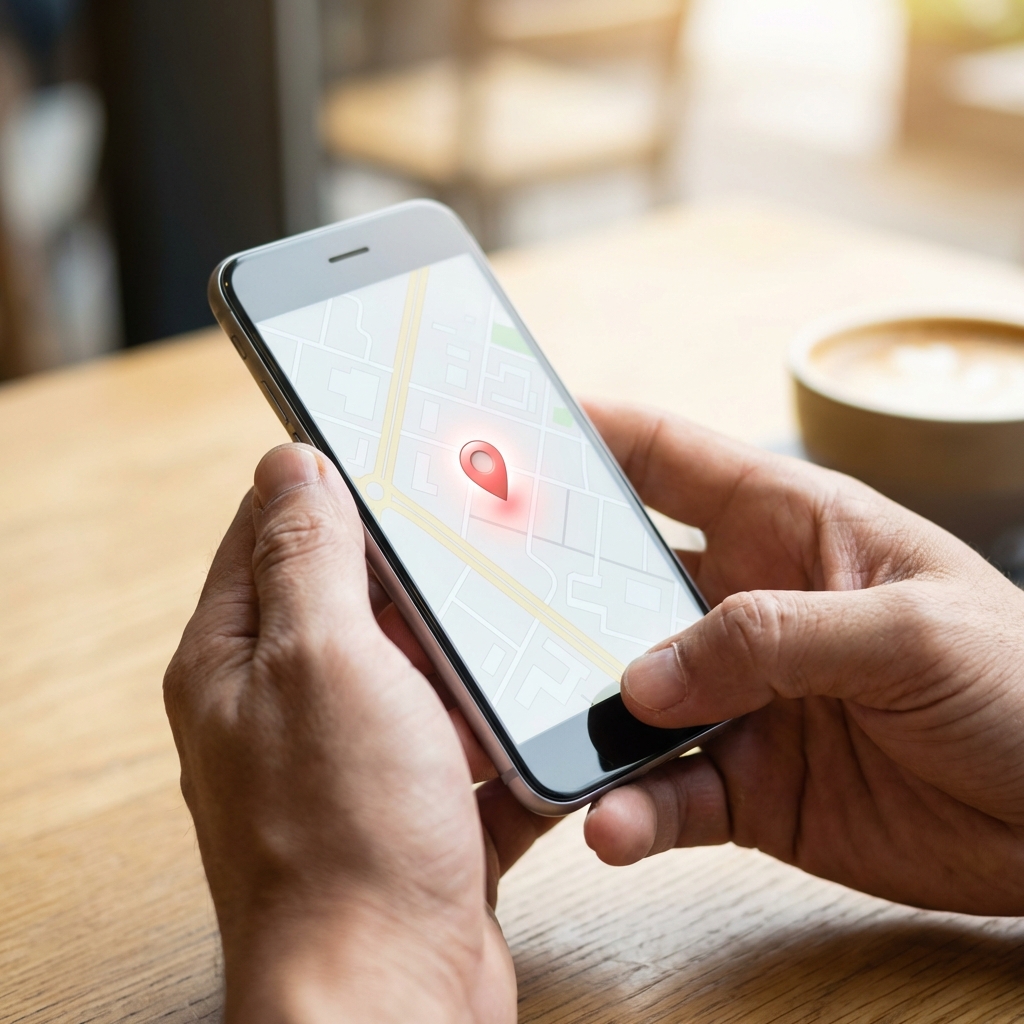
Use photos that look like your real church
Photos are one of the most trusted signals in local discovery. Churches should show:
- The exterior of the building so first‑time guests know what to look for.
- The main entrance so visitors feel confident walking in.
- Warm, realistic shots of the worship space and kids areas.
Avoid stock photos that do not match your actual building or congregation. Visitors can tell the difference, and it creates doubt.
Run a simple weekly GBP operating rhythm
Most churches do better with a repeatable system than with occasional big cleanups. Use a short weekly checklist:
- Monday: verify hours, service info, and event links
- Tuesday: publish one Google update (series, event, outreach, or testimony)
- Wednesday: upload one new real photo (entrance, lobby, kids check-in, worship space)
- Thursday: respond to new reviews and Q&A
- Friday: test your "Plan a Visit" link and contact path from mobile
This rhythm keeps your profile fresh without overloading staff. If you already post on social, repurpose one item each week for Google so your channels support each other.
Build a review system, not a one-time push
Reviews are a major trust signal for first-time guests. The key is consistency. Set a monthly target (for example, 4 to 8 new reviews) and tie requests to real ministry moments:
- After newcomer classes or guest follow-up
- After key ministry events where families felt cared for
- After pastoral care moments where people express gratitude
Respond to every review with warmth and specificity. Do not offer incentives. Keep the focus on real stories and digital hospitality.
Use Q&A and messaging to answer common questions
Google's Q&A section is public, and anyone can post a question. Add a few common questions yourself so the answers are accurate:
- What time are services?
- Is there a kids ministry?
- What should I wear?
If messaging is enabled, make sure someone can respond within a day. Quick answers can make the difference between a person visiting or moving on.

Track four monthly metrics that actually matter
Your profile insights can get noisy. Focus on four leading indicators:
- Discovery searches: how many people found you through category searches, not just by name
- Direction requests: an early signal of real-world visit intent
- Website clicks: especially clicks to your "Plan a Visit" page
- Review velocity: new reviews per month and response time
Review these monthly with your communications or guest experience team. Keep what is working, adjust one variable at a time, and avoid changing everything at once.
Common mistakes to avoid
- Using keywords in the church name that do not belong there
- Leaving service times out of the hours section
- Letting the profile sit without new photos for months
- Failing to respond to reviews or questions
These mistakes are easy to fix and can make a noticeable difference in how often your church appears in local results.
Final takeaway
A strong Google Business Profile helps your church get found, but the real win is reducing friction for the people God is already sending your way. Keep your information accurate, stay active weekly, and treat reviews and Q&A like part of hospitality. Small, consistent improvements compound.
If your team wants a clear starting point, begin with profile accuracy, then implement a weekly cadence, then review monthly metrics. That sequence is simple, sustainable, and effective for most churches.